

Cinematic LUTs
Frequently Asked Questions (FAQ)
-
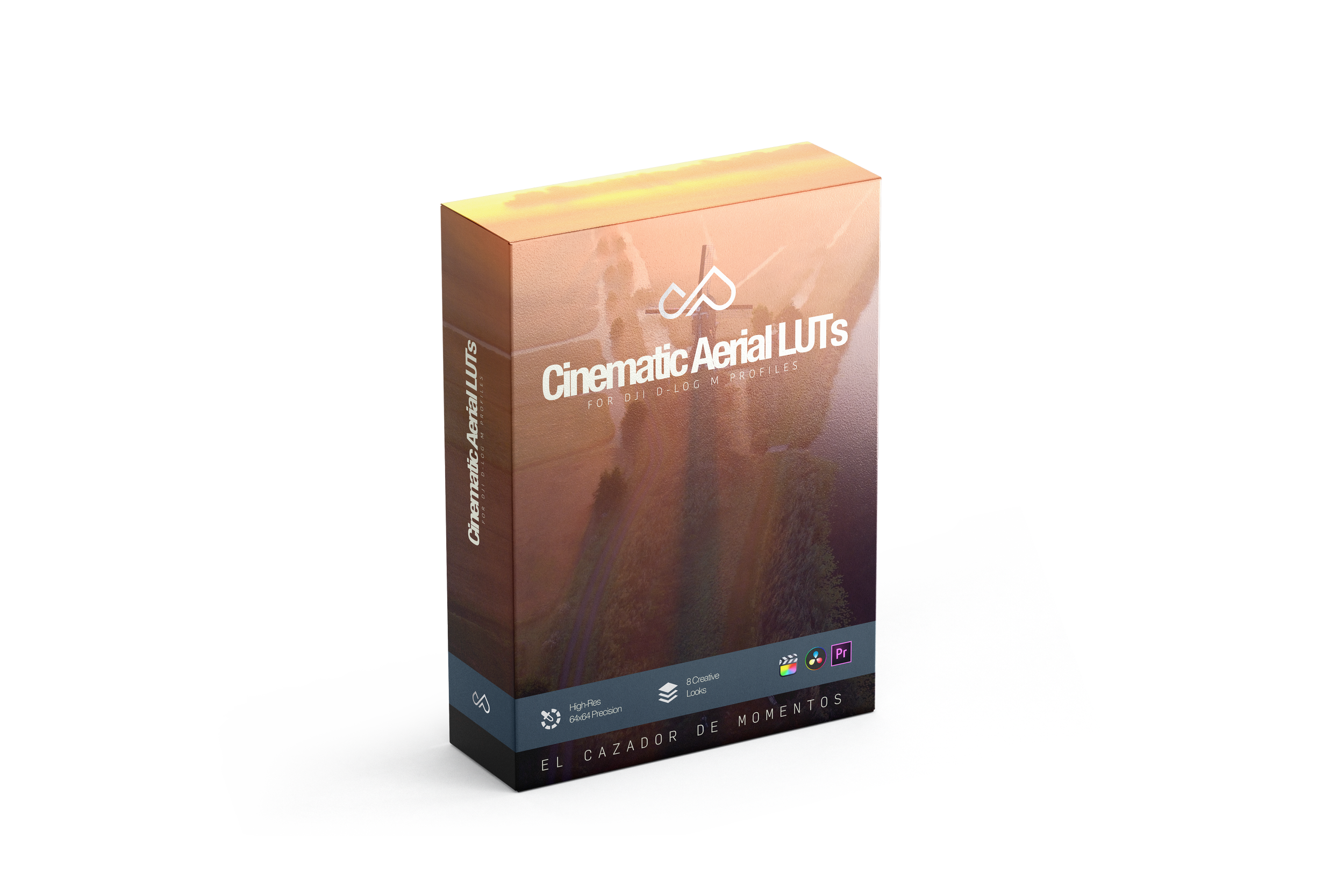
Our LUTs come in the universal .cube format. This means they are 100% compatible with almost any professional editing software, including Final Cut Pro, Adobe Premiere Pro, DaVinci Resolve, CapCut (Desktop Version), and LumaFusion.
-
They are surgically calibrated for DJI's flat color profiles: D-Log M (Mini 4 Pro, Air 3, Osmo Action 4/5/6, Pocket 3/4). However, if you shoot with other cameras in logarithmic profiles (like Sony S-Log or Canon C-Log), you can also use them by making minor adjustments to the base exposure and saturation of your clip.
-
No! This is the golden rule for perfect color: ensure your clip has proper white balance and exposure. Also, since these are creative LUTs, we recommend applying DJI's official conversion LUT (Log to Rec.709) first, and placing our creative LUT right below it or on an adjustment layer. The included PDF manual explains this step-by-step.
-
Delivery is instant. Upon completing your payment, the screen will show a button to download your .zip file immediately. Simultaneously, you will receive an email with your receipt and a backup download link.
-
For security and anti-piracy reasons, the download link sent to your email expires 24 hours after the first click. But don't worry! If you couldn't download your file in time, send us an email at info@dinopozo.com with your order number, and we will generate a new link for you immediately.
-
Absolutely! Your download includes a bilingual PDF manual (English/Spanish) with detailed, step-by-step instructions on how to import and apply your new looks in Final Cut Pro, Premiere, and DaVinci Resolve.
-
Since LUTs are a digital, intangible product downloaded directly to your hard drive, we cannot offer returns or refunds once the purchase is made (industry standard). However, we are 100% committed to your satisfaction. If you have trouble getting the colors to look right on your footage, contact us, and we will provide technical advice to help you adjust your media.